

Aircraft families can look deceptively similar from a terminal window. A stretched variant may share the same nose and wing language as a shorter sibling, while an operator-specific cabin can change the visible exit arrangement. The strongest identification habit is therefore layered: begin with the family, compare a few specifications, and treat doors as one clue rather than a verdict.
Start with the family, then narrow the variant
First ask broad questions. Is the aircraft a single-aisle or wide-body type? Does it have two decks? Are the engines under the wing or elsewhere? Is the fuselage unusually short or long relative to the wing? These observations reduce the field before small details become useful.
SkyStamp includes a searchable, sourced reference covering 42 aircraft records. Depending on the record, the guide can show manufacturer, family, aliases, variants, type designators, dimensions, capacity, propulsion, performance, weights, cargo, and typical exit profiles. It is a compact study reference, not a camera-based recognition system or live aircraft service.
Choose specifications that survive a quick comparison
You do not need to memorize a complete technical sheet. Focus on contrasts that separate close candidates:
- Length and wingspan help distinguish short, standard, and stretched variants.
- Passenger capacity ranges provide a rough size band, not an operator-specific cabin count.
- Engine count and propulsion details eliminate entire families quickly.
- Type designators and aliases connect the formal record with the names used in schedules or conversation.
- Deck and cargo details can confirm a family when the silhouette is not enough.
Compare two likely candidates instead of reading every record. Recognition improves faster when you learn a meaningful difference between neighbors.
Use exit-door patterns carefully
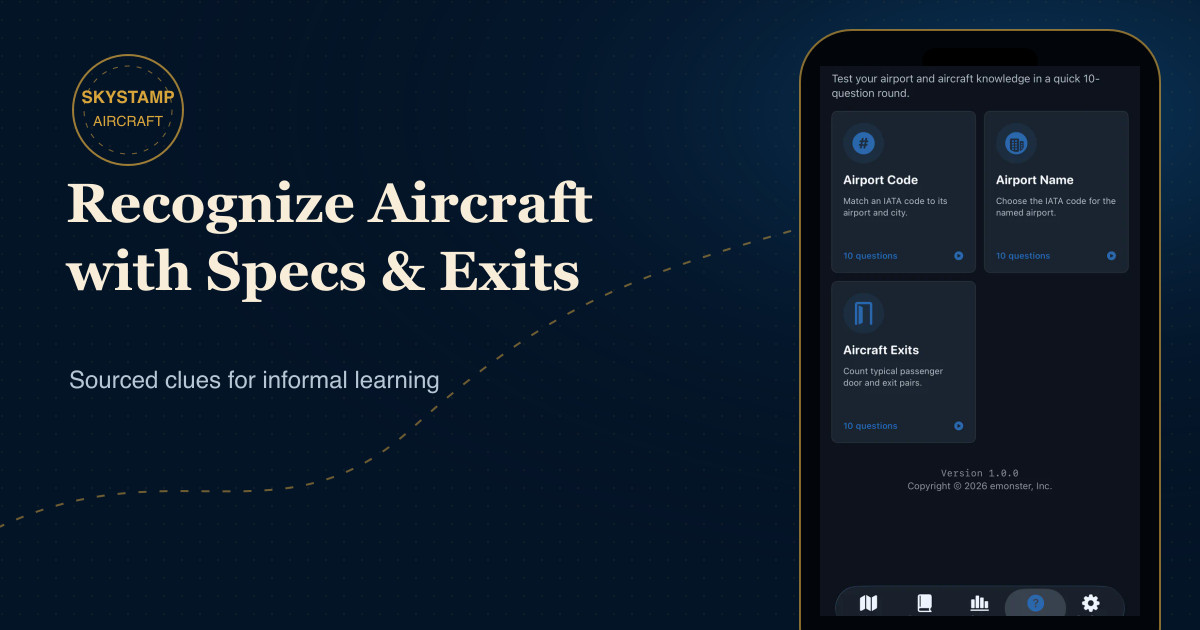
Passenger doors and overwing exits can be memorable visual clues. SkyStamp’s Aircraft Exits quiz asks for the typical passenger exit or door-pair count for a specific aircraft configuration, with four answer choices and ten questions in a standard round.
That word “typical” is essential. Exit counts and arrangements can vary by aircraft variant, operator configuration, and certification layout. A family can have several approved profiles, and an airline’s chosen configuration may not match the profile you remember from another operator.
Understand what the quiz is training
The quiz is useful because it forces a comparison between configurations. It is not asking you to certify an aircraft from a glance. A good study response has three parts:
- Name the family or configuration in the question.
- Picture the typical door and overwing-exit arrangement stored in the reference.
- After answering, read the sourced explanation and note any variation warning.
If the explanation mentions more than one common profile, treat that as valuable knowledge rather than an exception to ignore.
Build a repeatable recognition workflow
- Classify the broad type. Single aisle, wide body, regional jet, or turboprop.
- Check one size relationship. Fuselage length against wing or engine scale.
- Look for a family signature. Nose, tail, wingtip, engine placement, or deck layout.
- Use exits as supporting evidence. Compare the observed layout with a typical profile, while keeping configuration variation in mind.
- Confirm with a reliable source. Do not turn a visual guess into an operational claim.
Keep aircraft learning connected to airport travel
SkyStamp’s quiz sits beside its airport-code modes so the learning remains light and personal between trips. The app does not track the aircraft you are flying, follow live movement, or replace official references. Use the aircraft guide and quizzes to sharpen pattern recognition, then return to the airport passport that records the places in your story.
If airport geography is the next gap you want to close, continue with the two-way airport-code and city practice guide.